• Tag Archives Pentium M
  • Digital Archaeology: Dell XPS Gen2

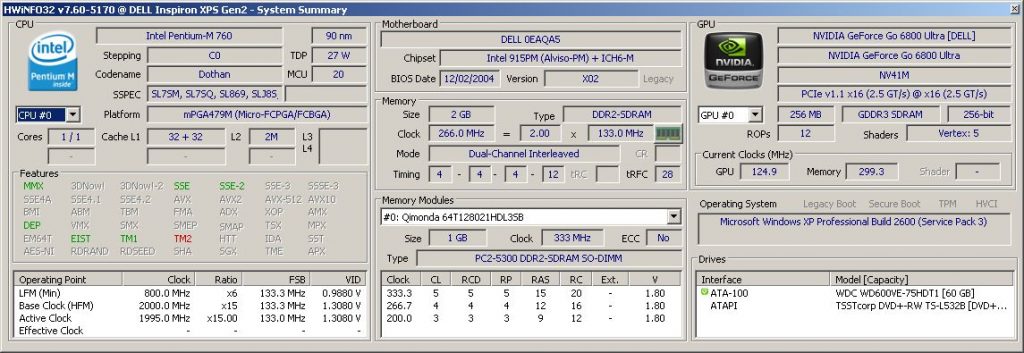
    The XPS Gen2 is a fairly high end gaming laptop from Dell that was introduced in February of 2005. What was high end? In this case, it was a 2 GHz Pentium M, 2 GB of RAM and an nVidia GeForce Go 6800 Ultra. The nicest aspect from my point of view is the beautiful 4:3 aspect high resolution screen with a 1920×1200. Specs include:

    • CPU: Intel Pentium M 720 @ 2 GHz (Dothan)
    • GPU: nVidia GeForce Go 6800 Ultra (NV41M)
    • RAM: 2 GB DDR2-266
    • Screen: 17-inch @ 1920×1200
    • Optical Drive: TSSTcorp DVD+-RW TS-L532B

    For a more complete hardware inventory, see the output of HWiNFO or CPU-Z.
    As you can imagine, at 17-inches, this is a large laptop. It also features Alienware like lighting effects. There are three lighting zones that can be set via the Dell QuickSet app. Even without the app, there are a variety of preset colors in the BIOS that can be used. The zones include the speakers (front), fans (rear base), and back panel (XPS logos on the back of the LCD). However, there is no keyboard backlighting which would have looked nice AND been useful. In any case, it definitely stands out in a see of generic looking laptops.

    The Pentium M seems to less commonly be used in gaming laptops than other CPU choices of the time (mainly the Pentium 4 or Pentium 4-M). I’m not sure why. The Pentium M was faster on a MHz per MHz basis. I suppose at the time the fastest Pentium 4s (especially if we are talking desktop versions) were a bit faster than the fastest Pentium Ms but not by much and at the cost of a whole lot more power. Personally, I think the Pentium M was a better choice for a laptop, even for gaming. In fact, the XPS Gen2 appears to be the successor to the original XPS which was Pentium 4 based. The XPS Gen2 was originally available with an option of only two different processors. Either the 2.13 GHz Pentium M or the 2 GHz Pentium M (which is what this one has). Both included the nVidia GeForce Go 6800 Ultra.

    The nVidia GeForce Go 6800 Ultra was essentially the same as a regular GeForce Go 6800, just clocked higher. At its release it was probably the fastest laptop GPU available. It definitely makes this laptop great for some old school (circa 2003-2008) gaming.

    My particular unit has a couple of odd quirks. That may come down to the fact that this appears to have been an early engineering sample. At least there is a sticker on the bottom that says “This machine is for DELL internal use only. This machine has not been tested for compliance with FCC radio emission standards. This machine is not, and may not be offered for sale or lease, or sold, or leased.” Another indicator is the BIOS revision. Generally, Dell’s BIOS versions start with an ‘A’ (e.g. A2, A17, etc.). The BIOS version in this laptop is ‘X2’. It also features a ‘debugging’ menu to enable.

    There’s also an odd behavior that may or may not have something to do with the early (perhaps beta) BIOS version. When I first got this laptop it had no hard drive so I put one in and loaded it up with a fresh install of Windows XP SP3. I also installed official Dell drivers for the video, chipset, and everything else. However, for some reason, the CPU was running at an extremely slow speed. Something like 600 MHz on average. No matter what BIOS options I chose or what else I did, it was stuck at the lowest multiplier and even seemed to be throttling the bus speed. I thought it might be a thermal issue but this laptop seemed to be lightly used and there was almost no visible dust in the fans. Plus, the Pentium M is a fairly cool running processor so something would have to be pretty off to make it overheat. However, this laptop is pretty old so the thermal paste (or whatever they used) that’s on the heatsink probably isn’t in that great of a condition.

    Still, I doubted this was a thermal issue so I looked online to see what others have done with similar problems. I followed a couple of suggestions like loading BIOS defaults and disabling Speedstep but nothing changed the behavior. Then I tried downloading Throttlestop which is an app that can be used to manually control things like voltages and certain throttling and power saving options. However, it does not seem to support Pentium M processors. After some more searching I found an app called RightMark CPU Clock Utility. Though the options were a little confusing, after a few minutes I found that I could change a profile to use the maximum “P-state transition” (basically the multiplier) and then apply that profile. Now the processor was running at the expected 2 GHz. It’s been running this way for several days doing CPU intensive tasks so I think I can rule out thermal issues. It’s just that I need the app to make it do so.

    One last quirk (that I’ve noticed so far) is that the fans seem to run at full speed (or at least they are pretty loud). It did this even before I got the CPU speed to its normal rate so again I don’t think this actually has anything to do with thermals. I know there are utilities that let you control fan speed out there but I haven’t tried those yet. But for all I know, this is the norm for this laptop as I don’t have another to compare it to.

    I don’t know for certain that these oddities are caused by the apparently early BIOS version but I suspect it. I initially tried to upgrade the BIOS but it refused to update because the battery is non-functional. There is a force flag that you can use that is supposed to bypass that check but it does not work for some reason. Since I have a workaround for the problem anyway, I probably won’t try to update the BIOS. This ‘X2’ revision is probably fairly unique anyway so it’s nice to keep it to play around with.

    Once I got everything settled and working properly, I installed BOINC and attached to all of my usual projects (the ones that would work anyway). BOINC on Windows XP still works with a surprising number of projects. So far it has successfully completed work for Einstein@home, World Community Grid, and Asteroids@home. There are probably other projects I don’t participate in that would work also. You can see how this laptop is doing overall at FreeDC.


  • Digital Archaeology: Dell Inspiron B130

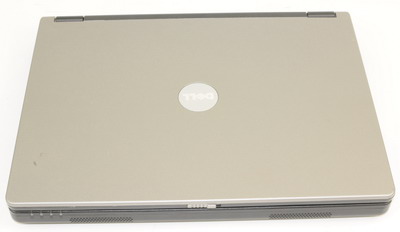
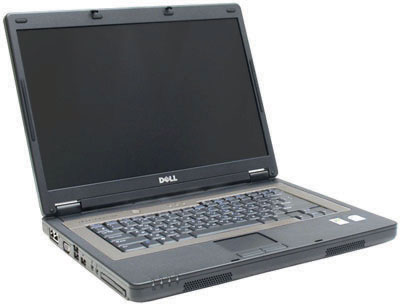
    The Dell Inspiron B130 was a low end laptop that was near the bottom end of what Dell offered at the time. However, even the B130 had a number of configurations, mostly differing by CPU and amount of RAM. My particular model includes the following:

    • Intel Pentium M 740 (1.73GHz) Processor
    • 1 GB DDR2 Memory (PC-4200)
    • 300 GB 5400rpm Hard Drive
    • 24x CD-RW/DVD Combo Drive
    • 15.4″ WXGA (1280×800) Wide Screen LCD
    • Intel GMA 950 Integrated Graphics with 128MB Shared Memory
    • V.90 56Kbps Modem, 10/100 Ethernet and 802.11b/g Wireless
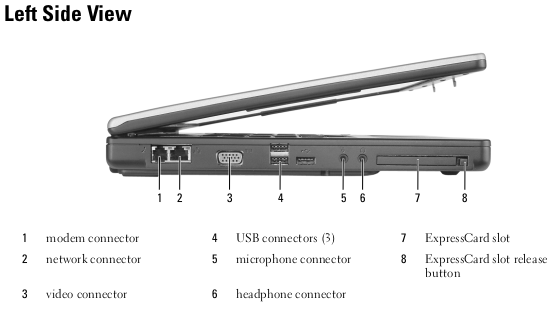
    • Three USB 2.0 Ports and Express Card/54 Slot

    The 300 GB hard drive is not original. This laptop probably originally shipped with a 60 GB hard drive. It may have also only had 512 MB of RAM originally. For more complete specs, check out the output of HardInfo.

    In terms of the CPU, this was probably near the higher end of what was offered with this particular model. There were other Celeron based and slower Pentium M iterations but probably not many that were faster. In 2005, when the B130 was released, this processor was reasonably fast. However, the integrated Intel graphics were the lowest end available and definitely not suited for contemporary gaming. Other low end indicators were the DVD-ROM/CD-RW drive which could not write DVDs, and the lack of a firewire port which was standard on most laptops at the time. The resolution also wasn’t particularly high. 1280×800 was pretty typical for low end widescreen laptops at the time.

    There isn’t much that can be done in terms of upgrading. I’m sure you could put in an SSD if you wanted and the RAM is expandable to 2GB which would definitely help. However, you are stuck with the Intel graphics and while the CPU could probably be upgraded, there isn’t a whole lot of speed to be gained going that route.

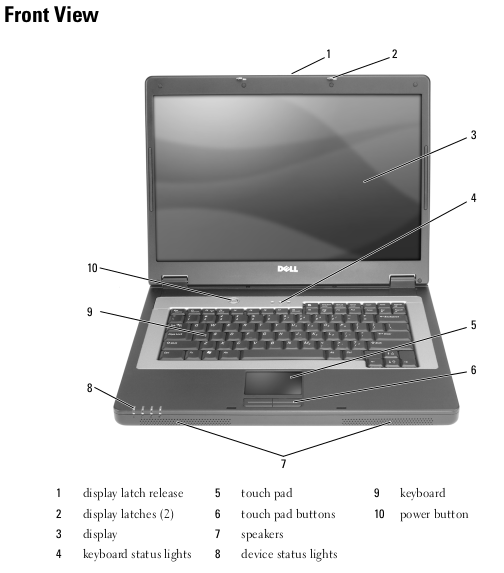
    While having an entirely plastic exterior, it still feels pretty solid and the keyboard isn’t terrible. The B130 is very utilitarian looking but the mostly black design still looks ok. It’s definitely no powerhouse but if you were looking for a cheap (for the time) laptop (around $600 or so), then I suppose this would not have been a bad choice.

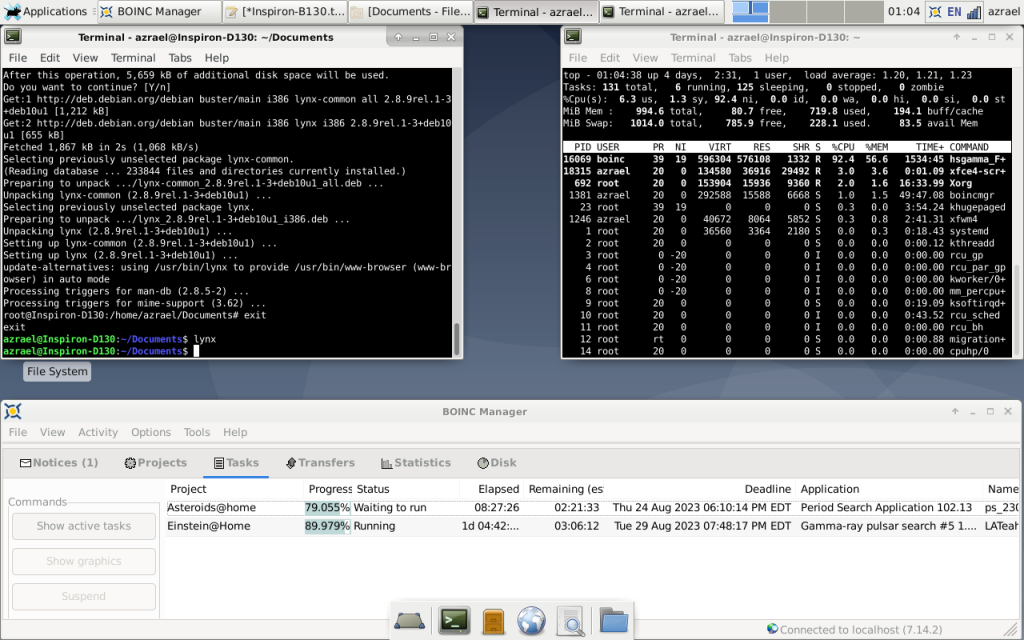
    Like all the hardware I operate, this one runs BOINC when it is on and participates in various projects. It has processed work for Einstein@home, Asteroids@home and World Community Grid. Check out its overall BOINC stats at FreeDC.


  • Digital Archaeology: Dell Inspiron 600m

    The Dell Inspiron 600M was probably one of the more popular laptops when it was released in the Summer of 2004. It was a reasonably speedy and compact Pentium M based system with decent graphics. Depending on the exact specs, it would have set you back in the neighborhood of $1600. Some of the highlights of this one include:

    • CPU: Pentium M 715 @ 1.5 GHz
    • Memory: 512 MB DDR2
    • Video: ATI Mobility Radeon 9000
    • Screen: 1024×768

    For more complete technical specs, check out the output of HWiNFO or CPU-Z.

    Unlike some later model laptops, the Inspiron 600m only had a few basic configuration options. The CPU options ranged in speed from 1.3 GHz to 1.6 GHz, there were a handful of hard drive choices, and you could get a 1400×1050 resolution screen. The ATI Mobility Radeon 9000 also came in 32MB and 64MB varieties.

    This particular model has the lower res display, the 32MB Mobility Radeon 9000 and the fastest drive that was available for it, a 5,400 rpm Toshiba model. While the 64MB Radeon would have been nice…apparently it greatly increased 3D benchmark scores, even the 32MB model was a solid choice (and the fastest available from ATI at the time) and did well with games. Overall, I would say that if you were looking for a laptop to do some XP based retrogaming on then this one would be a good choice and the lower res 1024×768 screen is probably more of a benefit than a detriment for that purpose. Of course it is also good for anything else you might want to use Windows XP for.

    There are still 32-bit versions of Linux out there that are maintained, notably Debian, though their performance is not great unless you have a pretty awesome 32-bit machine. I haven’t tried it, but if you upped the RAM it would probably run acceptably on this laptop. Of course, just as there are older versions of Windows, there are also older versions of Linux you could use as well.

    Speaking of upping the RAM, there are some upgrade options. My 600m currently has 512MB of RAM installed but it can be expanded officially to 1GB though I’ve seen info that says it will accept up to 2 GB. The CPU is also replaceable. HWiNFO and CPU-Z differ on exactly what CPU is in this laptop. HWiNFO says it is the Pentium M 758 while CPU-Z says it is the Pentium M 715. They are the same speed (1.5 GHz) with the only significant difference being that the 758 is a low voltage model. My bet is on the 715 model. In either case, it supposedly can be upgraded all the way to the 2.1 GHz “regular” voltage model. That’s a pretty significant upgrade for the time.

    The only real complaints at the time by reviewers were the lack of a firewire port, only two USB ports, and mediocre battery life. Virtually everything else is positive. It’s a relatively small laptop with a 14″ non-widescreen screen. The keyboard also feels pretty nice. Mine has a combo DVD/CDRW drive in a removeable drive bay that could be swapped with an extra battery, floppy drive, or another hard drive (though I don’t have any of those). While Dell’s designs were considered kind of boring at the time, I always liked them, especially the business oriented Latitudes but the Inspirons were ok too. This one is Dell’s typical grey color though there are some almost metallic blue accents around the trackpad, trackpad buttons and at the top of the keyboard where the power and volume buttons are. There were also apparently a variety of snap-on covers available if you wanted to spend an extra $35.

    Despite being a “museum piece” (as some Linux developer recently labeled 32-bit systems), it can still run BOINC and various BOINC projects. It is currently working on Asteroids@home, Einstein@home, and World Community Grid. You can see how it is doing over all at FreeDC.

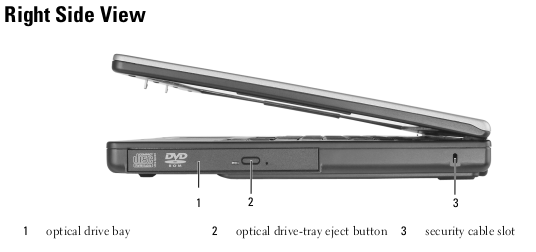
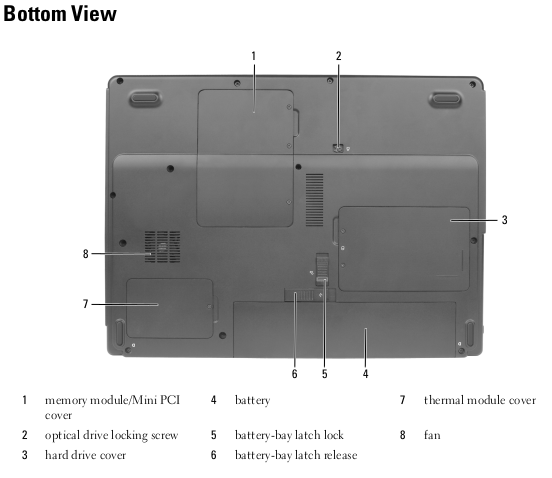
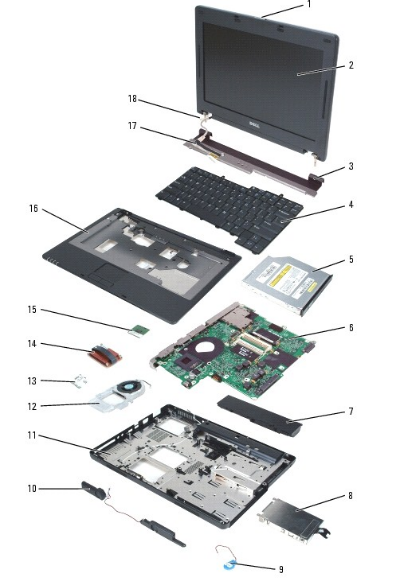
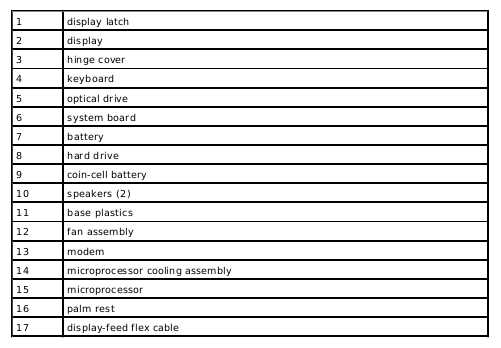
    Except for screen shots which are mine, images above come from official Dell documentation which can be found here.