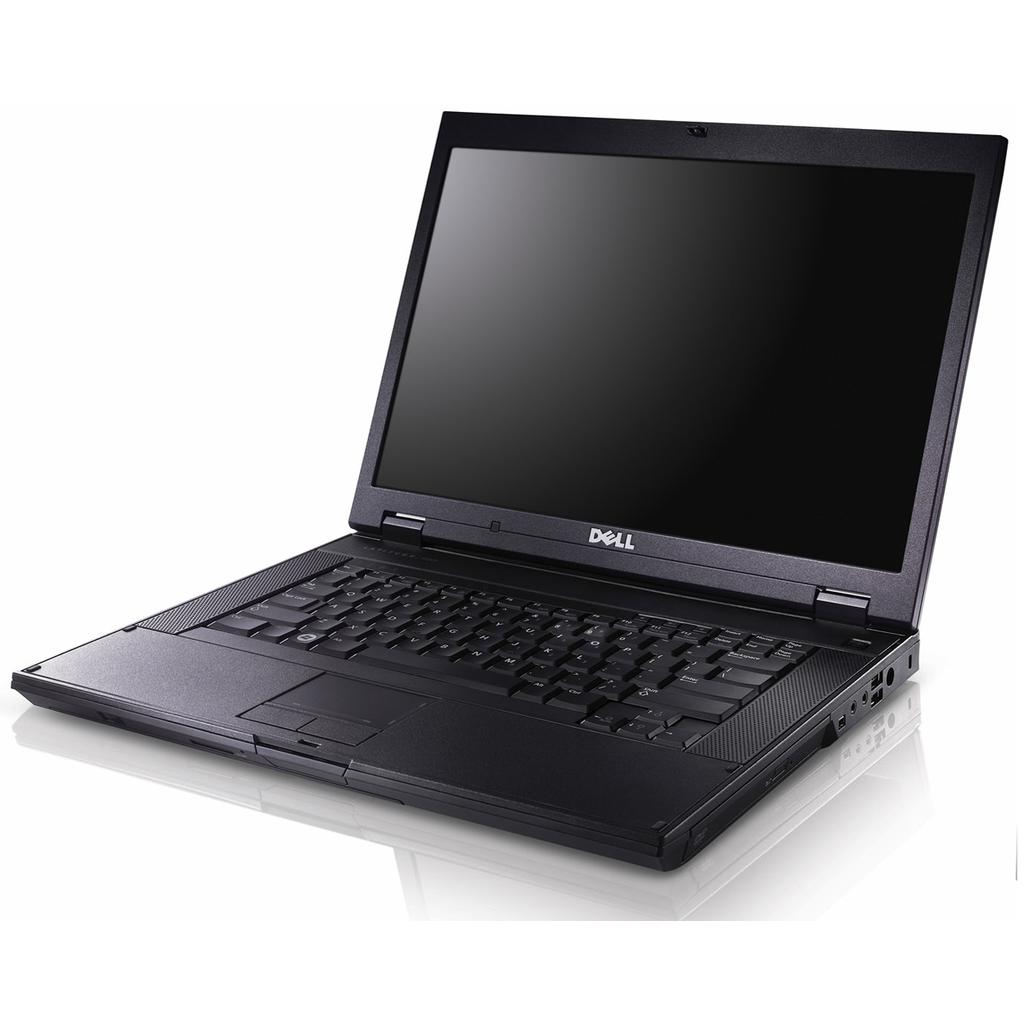
The Latitude line has traditionally been Dell’s business line of laptops with the Inspiron line targeted towards the home market. Though they are cosmetically different, they often share a lot of the same hardware internally. The Latitude E5500, or at least this one, features a Core 2 Duo T7250 CPU @ 2 GHz and Intel Mobile 4 Series Chipset Integrated Graphics. Hightlights include:
- CPU: Core 2 Duo T7250 @ 2 GHz
- Memory: 4 GB DDR2 @ 800 MHz
- Graphics: Intel Grahics Media Accelerator (GMA) 4500MHD
- Screen: 15.4″ @ 1280×800
More a more complete hardware inventory, check out the output of HardInfo.
Like most laptop models, this one was available in a wide variety of configurations though they all would have had a Core 2 Duo variant of some kind. At the time it was released, this would have been a midrange configuration and it probably shipped with 2 GB of RAM and was upgraded later to 4 GB. This brings up perhaps the biggest limitation of this laptop (and chipset for that matter). While it has a 64-bit CPU, it is still restricted to a maximum of 4 GB of RAM. This takes away one of the biggest advantages of a 64-bit system….the ability to use more that 4 GB of RAM.
The fact that this laptop uses an integrated Intel graphics solution rules it out for gaming, at least for games that were coming out at the time this laptop was relevant. Of course, the Latitude line was primarily targeted towards corporate use so for the most part such capabilities wouldn’t have been needed.

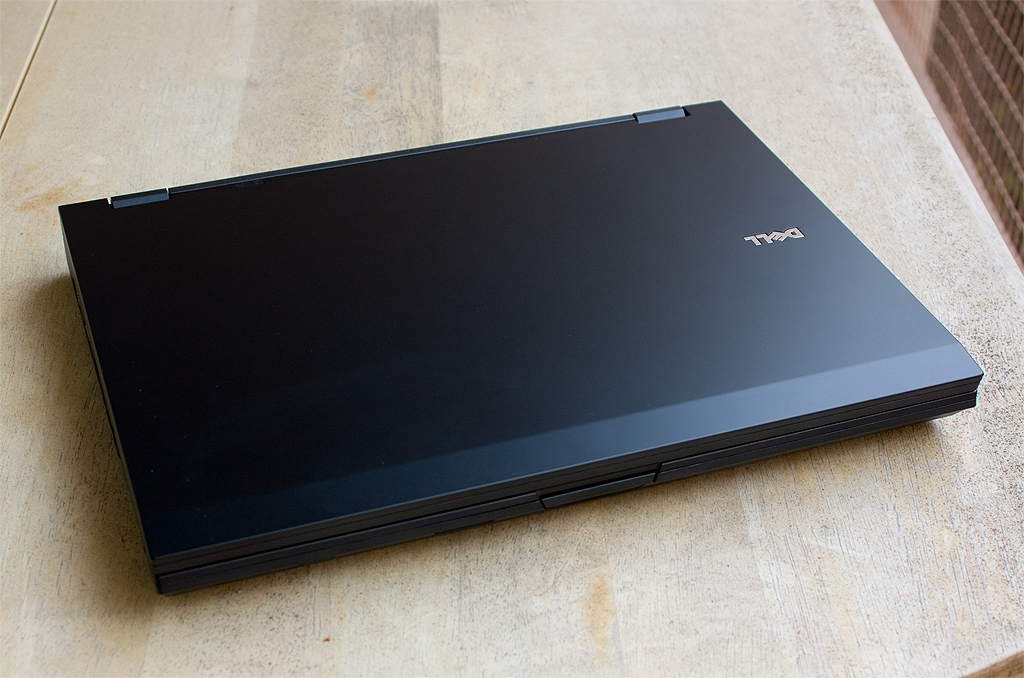
However, in my opinion at least, the Latitudes of this era hold up better than the Inspirons in terms of styling. This model is pretty simple with its plain matte black look in heavy duty plastic. It’s nothing special but it still looks reasonably nice and holds up better physically over time than Inspirons of the same era.
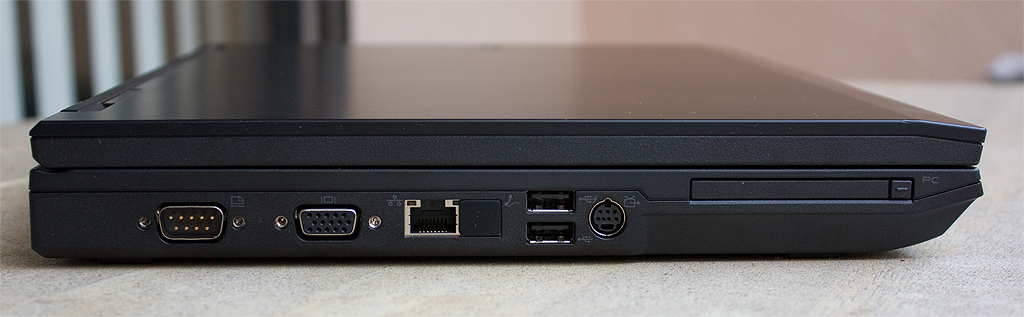
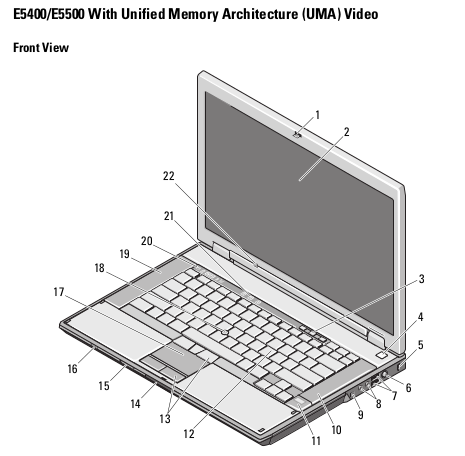
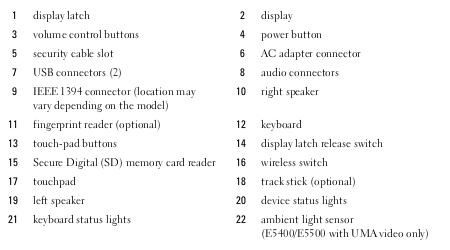
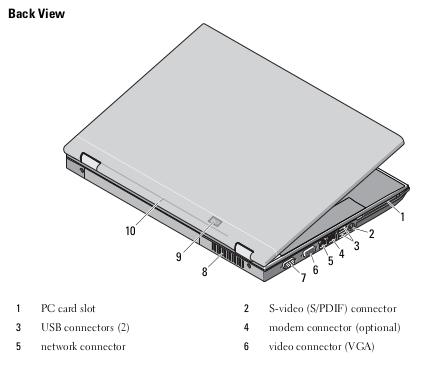
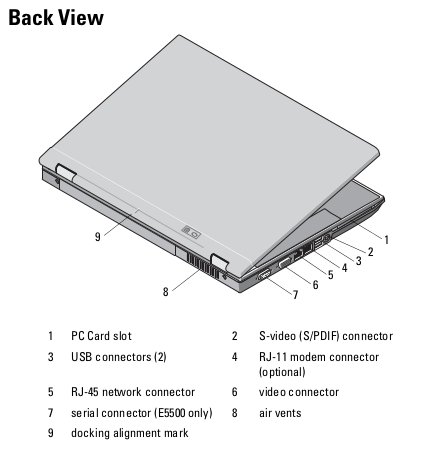
There seems to have been a couple of different keyboard designs. One includes a trackpoint and the extra mouse buttons to go with it while the other only includes a trackpad. Mine only has the trackpad but I prefer that anyway. One nice thing about this laptop is the variety of ports it has. There are four USB ports, firewire, headphone, mic, S-Video, VGA, Ethernet, PCMCIA and even a serial port. It still has an optical drive as well.
As far as contemporary use, I think Windows 10 has become too much of a memory hog over the years with subsequent updates to really be reasonable to use with only 4 GB. However, it’s probably still tolerable if you were to replace the hard drive with an SSD. It works somewhat better with Linux though as long as you don’t go too crazy with opening tons of browser tabs. The 2 GHz Core 2 Duo processor is really still plenty fast enough for any typical office tasks and basic web browsing. And if you wanted to play older games (meaning a few years older than the year this laptop was released) then it is certainly capable of that too.
Whenever I have this laptop turned on, it is of course running BOINC and participating in various projects. Having a 64-bit processor and running Linux, it can do work for all of the projects I participate in including Einstein@home, Milkyway@home, World Community Grid, Rosetta@home, Universe@home and Asteroids@home. You can see how it is doing overall at FreeDC.